スプラトゥーン レイダース 協力プレイガイド
オンライン、ローカル通信、途中参加、ヘルプボーナス。フレンドと遊ぶために知っておくことすべて。
執筆:SplatAtlas 編集チーム · 最終更新: 2026-07-23
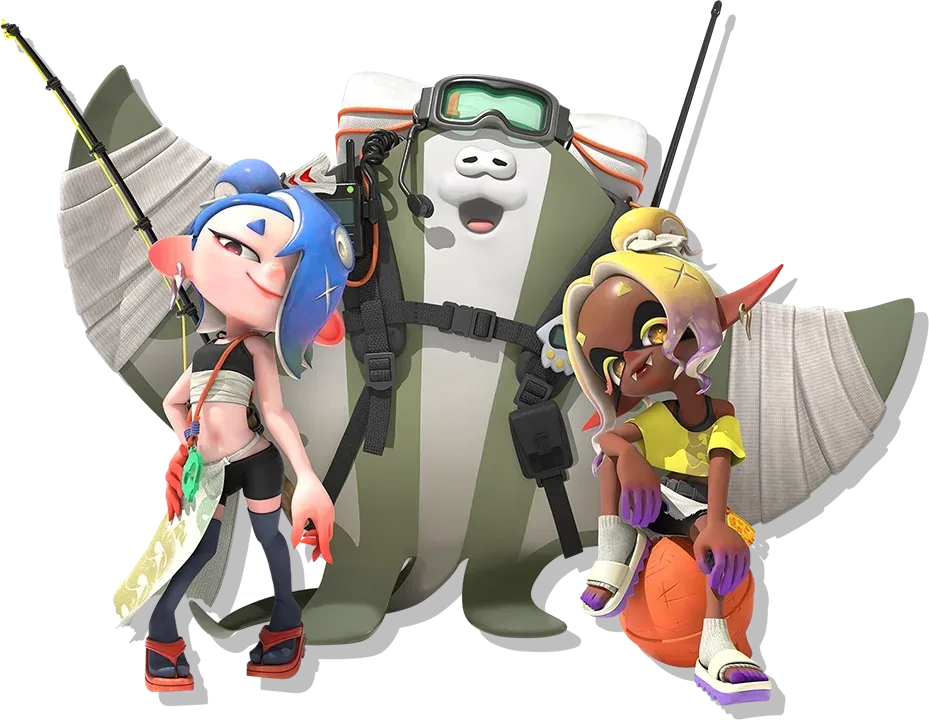
協力プレイの種類
本作は最大4人での協力プレイに対応しています。ストーリーを通しでフレンドと遊ぶことも、レイド中にヘルプを呼ぶことも可能です。画面分割(おすそわけプレイ)には非対応です。各プレイヤーにSwitch 2本体とソフトが1つずつ必要です。
インターネット通信 (2〜4人)
フレンドや世界中のプレイヤーとプレイ。Nintendo Switch Onlineへの加入が必要です。合言葉でルームを作成・参加するか、フリーマッチングで遊べます。
ローカル通信 (2〜4人)
同じネットワーク上のプレイヤーと接続します。各自のSwitch 2本体とソフトが必要です。NSOへの加入は不要。いっしょにあそぶ(GameShare)は非対応です。
途中参加・途中離脱(モンハン方式)
協力プレイは「モンスターハンター」と同じ方式です。他のプレイヤーのレイドに途中から参加したり、自分のレイドにフレンドを招待したりできます。最初から一緒にスタートする必要はなく、必要なときに参加して終わったら抜けるだけです。
プレイヤーが参加・離脱すると難易度が自動で調整されるため、途中切断によるペナルティはありません。
ヘルプボーナス
他のプレイヤーのレイドに参加すると、通常のドロップとは別に「ヘルプボーナス」として追加報酬がもらえます。
- ブキ
- ガジェットパーツ
- クラフト素材
- ウズシオのかけら(メイン通貨)
救難信号(SOS)
ソロプレイ中でもSOSを発信して、オンライン上の他のプレイヤーに助けを求められます。手ごわいオオモノシャケやキワモノシャケに苦戦しているときに便利です。
協力プレイの始め方
- アジト船からマルチプレイメニューを開く。
- 「ルームをつくる」でホスト、「ルームに入る」で合言葉を入力して参加。
- ホストがダンジョンまたは探索エリアを選択。
- 他のプレイヤーが途中参加:難易度は自動調整されます。
Nintendo Switch Online
インターネット通信にはNintendo Switch Onlineへの加入が必要です。ローカル通信には不要です。
NSO料金:個人プラン 月額306円 / 年額2,400円、ファミリープラン 年額4,500円(最大8アカウント)。
難易度の自動調整
敵の体力と攻撃力は参加人数に応じてスケーリングされます。途中で人数が増減しても動的に調整されるため、4人レイドはソロより手ごわい代わりに報酬も増えます。
協力プレイのコツ
- テクニカルタンクのガジェットにはチームサポート系があるので、パーティに1人いると安定します。
- ヘルプボーナスは累積するので、1セッションで複数のプレイヤーを手伝うと素材集めが効率的です。
- 手ごわいオオモノシャケには、全滅してやり直すより早めにSOSを使いましょう。
- ボイスチャットがなくてもシグナル(ピン・スタンプ)で基本的な連携は取れます。
よくある質問
画面分割(おすそわけプレイ)はできる?
できません。各プレイヤーにNintendo Switch 2本体とソフトが1つずつ必要です。
ストーリーを全部協力プレイできる?
はい。ストーリー全編をソロでも協力プレイでも進められます。難易度は人数に応じて変化します。
ローカル通信にNSOは必要?
いいえ。NSOが必要なのはインターネット通信のみです。
いっしょにあそぶ(GameShare)は使える?
使えません。各プレイヤーがソフトを所有する必要があります。
関連ガイド
参考資料
- Splatoon Raiders: Nintendo Switch 2, Nintendo (official store)
- How to Play Co-op Multiplayer in Splatoon Raiders, Shacknews
- Splatoon Raiders Walkthrough & Guides Wiki, Game8
協力プレイの種類と人数:公式(Nintendo Direct)。途中参加・ヘルプボーナス・SOS:ハンズオンレビューで確認。